
This paper introduces the repair method of SONY VP-890CE thermal printer, and analyzes the structure of the circuit board, locates the fault position, and repairs the fault by replacing the components.
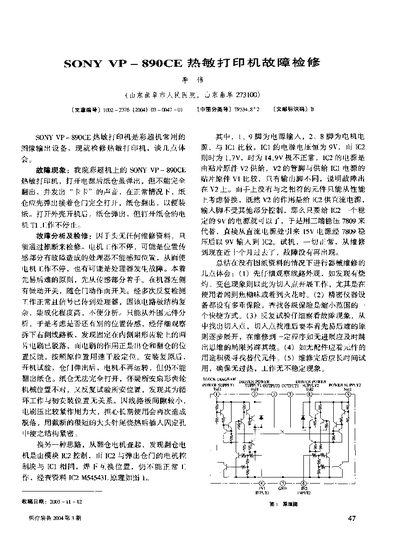
This manual describes common fault symptoms of the Sony VP-890CE thermal printer, such as incomplete printing, paper feed issues, and continuous operation without stopping. It provides step‑by‑step analysis of possible causes, focusing first on the sensor and power‑supply sections.
Repair guidance includes checking IC1 and IC2 voltage levels, replacing faulty components (e.g., using a 7809 regulator to restore the correct 9 V supply), and re‑securing loose board connectors. A block diagram of the power supply and signal paths is included to aid technicians in locating problem areas. This manual is written in Chinese.
| IC1 supply voltage | 9 V |
|---|---|
| IC2 supply voltage | 1.7 V |
Replace the faulty regulator with a 7809 device and connect it to provide a stable 9 V input to IC2.