
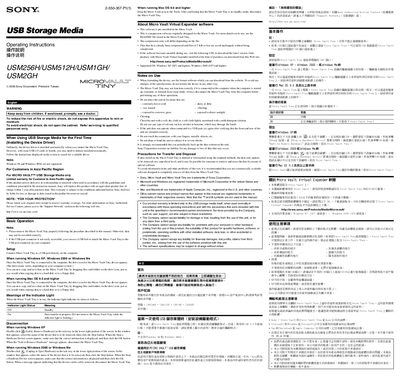
Sony Micro Vault Tiny USB Storage Media Operating Instructions


Sony Micro Vault Tiny USB Storage Media Operating Instructions - cover page
Brand
SONY
Category
Other Electronics
Document type
User Manual
Language
English
Pages
2
File format
PDF
File size
483 KB
Published
27 February, 2012
Updated
29 September, 2023
MD5 checksum
DFBA9285BD45C7DD2896E69D92487D5A

About this manual

The Sony Micro Vault Tiny is a USB storage device designed for copying and saving data on computers. It features an indicator light to show standby and data transfer status and comes with pre-installed Micro Vault Virtual Expander compression software.

What's inside

  • When Using USB Storage Media for the First Time
  • Basic Operation
  • Meanings of the Indicator Light
  • Disconnection
  • About Micro Vault Virtual Expander software
  • Notes on Use
  • Cleaning
  • Precautions for Transfer and Disposal

Specifications

Unsupported OSWindows 98 and Windows 98SE

Frequently asked questions

How should the Micro Vault Tiny be cleaned?

Use a soft, dry cloth or a soft cloth slightly moistened with a mild detergent solution. Do not use solvents like benzene or alcohol as they may damage the finish.

Which operating systems are not supported by the device?

Windows 98 and Windows 98SE are not supported.

Download PDF (483 KB)

More SONY Manuals


View all SONY manuals →