
This document is an operating guide for Sony's digital HD camcorder. It provides instructions on how to use the camcorder and includes detailed information. The document also reminds users to take precautions such as waterproofing and dust prevention.
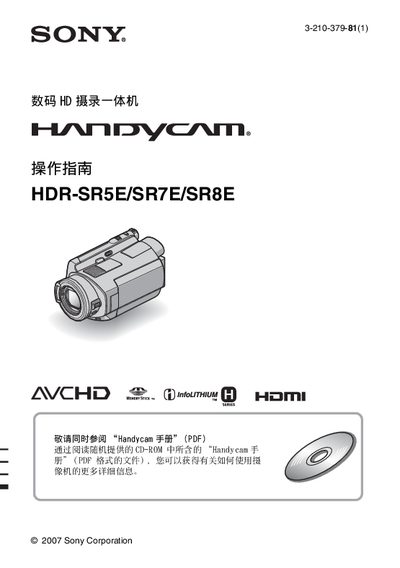
These operating instructions cover the safe handling, initial setup, battery charging, power‑on procedures and language selection for the Sony HDR‑SR5E, HDR‑SR7E and HDR‑SR8E Handycam camcorders. Important safety warnings are included, such as using only the specified InfoLITHIUM battery pack and avoiding exposure to strong electromagnetic fields.
The manual explains how to record and playback video, adjust date and time, use the built‑in drop‑sensor, and perform basic troubleshooting. It also provides guidance on data backup, disposal, and contacting Sony customer support for further assistance. This manual is written in Chinese.
| Battery type | InfoLITHIUM NP‑FH60 |
|---|---|
| Charging time | Approximately 135 minutes |
| Typical recording time (HD) | 50–60 minutes |
Connect the AC adapter to the camcorder’s DC IN socket, slide the POWER switch to OFF (CHG), and the charging indicator will light until the battery is full.
No. Only the specified InfoLITHIUM battery pack may be used; using other batteries can cause fire or injury.
Press the HOME button, navigate to the language setting menu, and select the desired language.