
This document is the user manual for Sony UP-DR100, which introduces the product's features, functions, and usage methods.
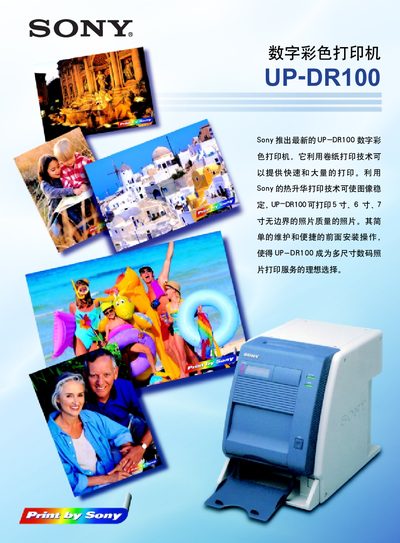
The Sony UP-DR100 is a digital color printer that uses roll‑paper and heat‑sublimation technology to produce borderless 5‑, 6‑ and 7‑inch photo‑quality prints quickly and in high volume. It supports Windows 98/M8/2000, Windows NT 4.0 and Mac OS 8.5, and features front‑panel installation for easy maintenance in compact spaces.
The manual covers front‑panel installation, paper and ribbon loading, operation procedures, troubleshooting, and detailed technical specifications such as resolution, memory, power requirements, dimensions, and safety standards. It also lists supplied and optional accessories. This manual is written in Chinese.
| Print method | 热升华打印 |
|---|---|
| Resolution | 334 dpi |
| Image pixel (UPC‑R35) | 1210 x 1710 像素 |
| Print size (UPC‑R35) | 89 x 127 mm |
| Print quantity (UPC‑R35) | 400 sheets |
| Print time (UPC‑R35) | ≈20 seconds |
| Memory | 32 MB |
| Power requirement | AC100‑240 V, 50/60 Hz |
| Dimensions | 280 mm (W) × 362 mm (H) × 458 mm (D) |
| Weight | ≈18 kg |
It uses heat‑sublimation printing.
Approximately 20 seconds per print.
The printer requires AC100‑240 V at 50/60 Hz.