
This document is the instruction manual for the DPF-XR100/VR100 digital photo frame, which introduces the basic use of the frame, safety precautions, error messages, etc.
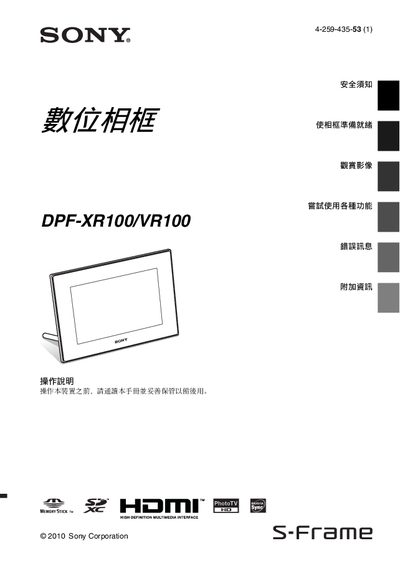
This manual covers safety precautions such as keeping the frame away from moisture, rain, and excessive heat, and using only the specified batteries and AC adapter. It also lists the items included in the package and identifies each part of the frame and remote control.
Detailed instructions are provided for connecting power, inserting memory cards, configuring date and time, playing images, videos and music, adjusting display settings, using the maintenance mode, and troubleshooting common error messages. Technical specifications of the device are summarized at the end of the guide. This manual is written in Chinese.
| HDMI output | Available (DPF-XR100 only) |
|---|---|
| Power supply | AC adapter |
Connect the AC adapter to the A0 socket on the frame.
The DPF‑XR100 model includes an HDMI OUT port for video output.
Restart the application or disconnect and reconnect the USB or other communication cable, then try again.