
This document is the user manual for Toshiba barcode printer B-SX5T series. The manual includes information about registered trademarks, conditions of use, safety instructions, etc.
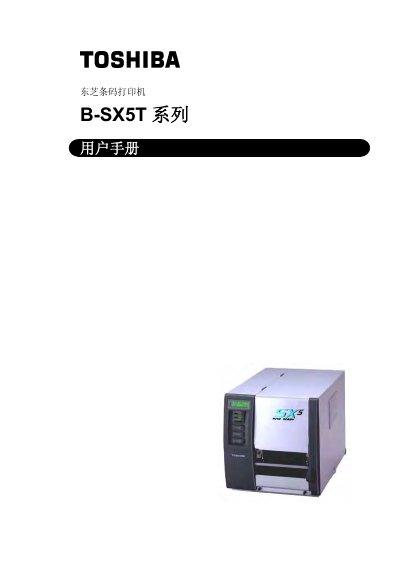
The B-SX5T series barcode printer from Toshiba offers high‑resolution thermal transfer printing, multiple interface options (USB, LAN, RS‑232C, Centronics, optional PCMCIA), and optional modules such as RFID and cutter. It is designed for reliable label production in industrial environments.
This manual covers product overview, step‑by‑step installation, configuration of operating parameters, safety precautions, routine maintenance, troubleshooting of common errors, and detailed specifications of the printer and its consumables. This manual is written in Chinese.
| Print resolution | 12 dots/mm (306 dpi) |
|---|---|
| Print speed | 76.2 mm/s (3 in/s), 127.0 mm/s (5 in/s), 203.2 mm/s (8 in/s) |
| Dimensions | 308 mm (12.1 in) × 291 mm (11.5 in) × 460 mm (18.1 in) |
| Recommended consumables | Toshiba‑specified printing paper and carbon ribbon |
Enter the Parameter Set menu, press the PAUSE key, then use the FEED or RESTART keys to select the desired character code and confirm with PAUSE.
Only printing paper and carbon ribbon specified by Toshiba Tec may be used with the printer.