
The document provides information about the GoGear Opus product, including getting started guide, troubleshooting, and features such as music playback, audio books, video playback, and FM radio.
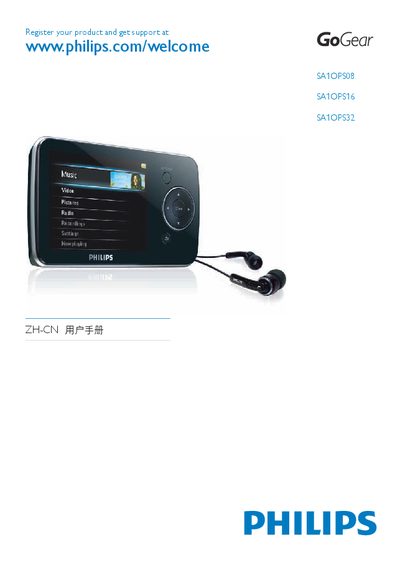
This manual provides safety information, setup instructions, and operating guidance for the Philips GoGear Opus portable media player. It covers everything from unpacking and charging to using music, video, photo, audiobook, and FM radio functions, as well as connecting the device to a computer and managing files with Windows Media Player.
The guide also includes battery‑life tips, volume‑limit settings, firmware update procedures, and recycling instructions, helping users maintain the device safely and efficiently throughout its lifespan. This manual is written in Chinese.
| Supported audio file formats | MP3, WMA |
|---|---|
| Supported video file formats | AVI, WMV |
| Supported image file formats | JPEG, PNG, GIF, BMP |
| Battery charge indicator levels | 100 %, 75 %, 50 %, 25 %, 0 % |
Open Settings → Sound Settings → Volume Limit, adjust the volume control, and confirm. The device will not exceed the set limit.
Close all GoGear Opus applications on the computer, click the safe‑remove icon in the task bar, wait for the confirmation message, then unplug the USB cable.
Charge the device continuously for about 3 hours before first use.