
This is a user manual for a multimedia player that supports music, video, pictures, recording and radio. It can manage files through connecting to a computer.
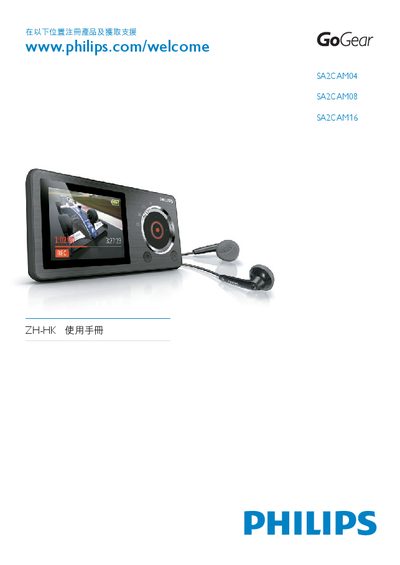
The Philips SA2CAM04, SA2CAM08, and SA2CAM16 are multimedia players capable of playing MP3 and WMA files, viewing image files, capturing photos and videos, and tuning into FM radio. The devices also support voice recording and Micro SD card expansion.
This manual provides instructions on using the device controls, managing media via Philips Songbird software, operating the integrated camera, and adjusting system settings such as volume limits. This manual is written in Chinese.
| Operating Temperature | 0 to 35 degrees Celsius |
|---|---|
| Storage Temperature | -4 to 113 degrees Fahrenheit |
| Supported Audio Formats | MP3 and WMA |
It can play MP3 and WMA files, view images, capture photos and videos, listen to FM radio, and record audio.
Go to [Settings] > [Audio Settings] > [Volume Limit] and use the volume keys to adjust the limit.