
This document introduces the safety precautions and troubleshooting methods for Philips computers
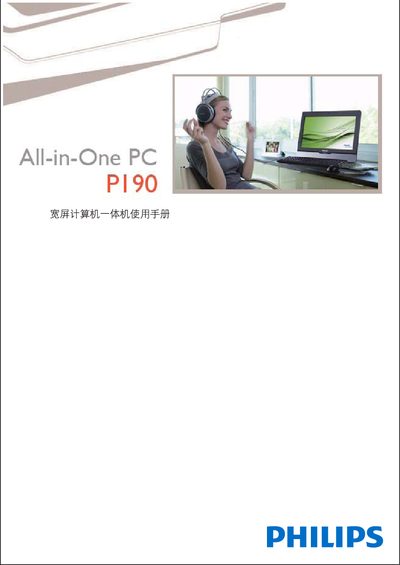
This manual provides safety guidelines, installation steps, and detailed usage instructions for the Philips PI90 All‑In‑One personal computer. It includes information on power handling, environmental limits, and proper handling of the LCD panel.
The document also covers troubleshooting procedures, system recovery, audio and video configuration, and technical specifications such as processor, memory, storage, and connectivity options. This manual is written in Chinese.
| Processor | Intel Atom 230 1.6 GHz |
|---|---|
| Chipset | 945GC + ICH7 |
| Operating System | DOS or Windows XP Home |
| Memory | 1 GB DDR2 SO‑DIMM |
| Hard Drive | 160 GB SATA II |
| Optical Drive | DVD‑Super Multi (DVD±R/DVD±RW/CD‑RW) |
| Graphics | Intel Integrated Graphic Chip |
| Audio System | Philips Incredible Surround Speaker 2 W × 2, built‑in digital microphone |
| Ethernet | 10/100/1000 Mbps (Gigabit LAN) |
| Wi‑Fi | 802.11b/g |
| USB Ports | 5 × USB 2.0 |
| Dimensions (W × H × D) | 470.2 × 368.2 × 105 mm (including stand) |