
User manual for LCD TV, introducing the features, usage methods and precautions of the product
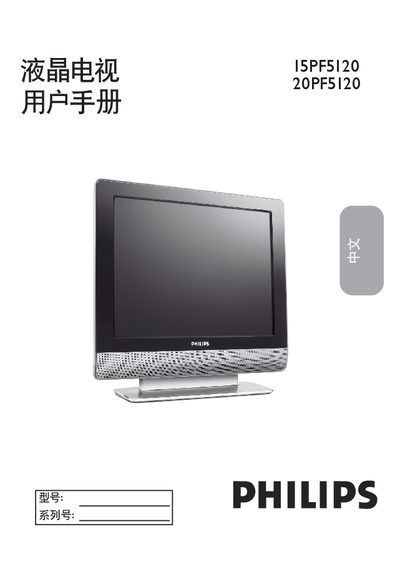
This manual covers important safety symbols, installation precautions, and recommended environmental conditions for the 15PF5120 and 20PF5120 LCD TVs. It explains how to register the product, handle the power cord, and avoid hazards such as electric shock, water exposure, and improper mounting.
The guide also details language selection, automatic and manual channel search, picture and sound menu settings, PC mode, and how to reset the TV to factory defaults. Troubleshooting steps for power, picture, sound, and remote‑control issues are included, along with maintenance and cleaning recommendations. This manual is written in Chinese.
Press the MENU button, highlight “設定”, then select “語言”. Choose “English” or “Simplified Chinese” and confirm.
Check that the power cord is securely plugged in, wait 10 seconds after unplugging, then plug it back in and press the POWER button.