
The WD Elements ™Play Multimedia Station is a multimedia center provided by WD for users, which supports various formats of audio, video, and image files
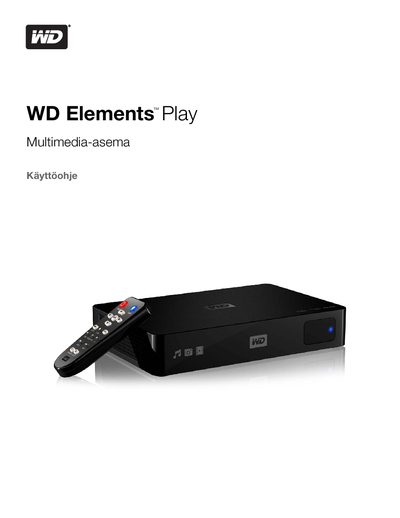
This manual guides users through installing and using the WD Elements Play multimedia station. It covers safety precautions, hardware connections, and step‑by‑step instructions for playing video, music, and photos on a TV or monitor.
The guide also details supported audio/video interfaces, file format compatibility, system maintenance, and how to register the product for free technical support. Troubleshooting tips and a FAQ section help resolve common issues.
| HDMI Interface | HDMI 1.4 |
|---|---|
| Composite Video Output | RCA (yellow/white/red) |
| Optical Audio Output | Toslink (SPDIF) |
| Supported Video Resolutions | 480i, 576i, 480p, 576p, 720p, 1080i, 1080p |
| Audio Output | Stereo or multi‑channel digital surround |
The device supports many formats, including RMVB, H264, and MKV, as listed on page 53 of the manual.