
This manual provides detailed instructions on how to use the NV-GS250, including how to use the power supply, lens, LCD screen, battery, cassette, etc., as well as how to take pictures, record, play back, and edit.
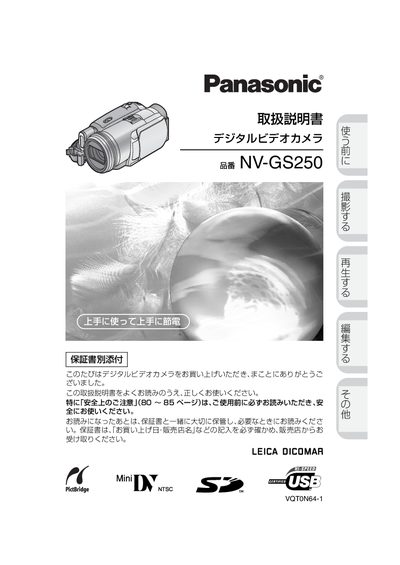
This manual provides the essential information for safely using the Panasonic NV‑GS250 digital video camera. It begins with important safety precautions and a guide to reading the warranty information before operating the device.
The guide then explains how to charge the battery, insert cassettes and SD cards, select shooting modes, adjust menus, and use accessories such as the remote control and PictBridge printing. Playback functions, file management, and troubleshooting tips are also covered. This manual is written in Japanese.
| Supported memory card | SD Memory Card (miniSD with adapter) |
|---|---|
| Battery pack model | VSKO650A |
The camera uses an SD Memory Card; a miniSD card can be used with an adapter.
Connect the battery pack to the AC adapter or plug the power cord into a power outlet.
The English quick guide is on pages P90 to P97 for non‑Japanese users.
Use the supplied audio/video cable or headphones; do not connect other devices.