
This is the instruction manual for the JVC GR-D320E/EK digital video camera
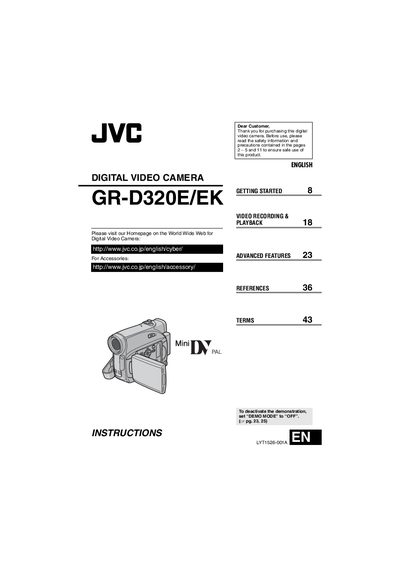
This manual begins with safety precautions and general information for the GR-D320E camcorder, covering proper handling, battery usage, and environmental considerations. It also explains how to set up the device, clean the video heads, and store the camcorder safely.
The guide then details operation modes, recording and playback functions, menu adjustments, and advanced features such as backlight compensation, spot exposure control, and special effects. Troubleshooting, maintenance, and technical specifications are provided at the end of the document.
| Battery life (LCD mode) | 80 minutes |
|---|
Set “DEMO MCDE” to “OFF”.
Use the JVC BN‑VF707U, VF714U, or VF733U battery packs.