
The Canon CanoScan FS4000US film scanner is a high-resolution, desktop film scanner with a maximum resolution of 4000dpi. In RGB mode, it can process data at 14 bits per channel, allowing for rich color depth and accurate color reproduction. This scanner has two user interfaces: an easy-to-connect, easy-to-set-up USB interface and a high-speed SCSI interface. Using this high-resolution film scanner will surely bring you much joy in your home and office.
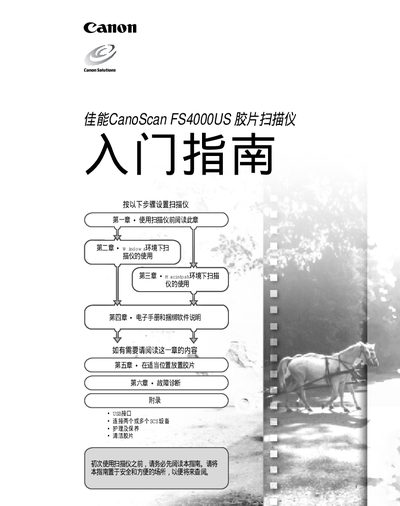
This guide covers everything needed to get the Canon FS4000US film scanner up and running. It details system requirements, installation steps for both USB 1.1 and SCSI II connections, and how to install the bundled software such as Adobe Photoshop LE and ArcSoft PhotoBase.
The manual also explains scanning procedures, color depth settings, and resolution options (up to 4000 dpi), and includes a troubleshooting section that addresses common issues on Windows 98/2000/Me and Macintosh OS 8.6‑9.1 platforms. This manual is written in Chinese.
| Maximum scanning resolution | 4000 dpi |
|---|---|
| Supported operating systems | Windows 98/98 SE/2000/Me, Mac OS 8.6‑9.1 |
| CPU requirement (Windows) | 133 MHz (150 MHz for Windows Me) |
The scanner can capture images at up to 4000 dpi.
It works with Windows 98, 98 SE, 2000, Me and Macintosh OS 8.6‑9.1.