
This document is the user manual for OPTIMA 102 camera, which introduces the main features, package contents, usage instructions, and FAQs of the camera.
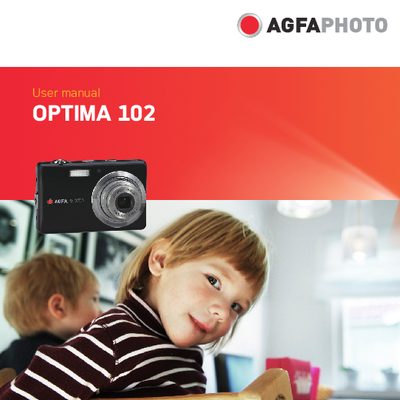
This manual guides users through the safe handling, basic setup, and everyday operation of the AgfaPhoto OPTIMA 102 digital camera. It includes safety precautions, battery handling, memory card installation, and an overview of the camera's buttons, menus, and LCD display.
Detailed sections cover recording photos, videos and audio, using flash and zoom, connecting the camera to a TV, PC or printer, and troubleshooting common issues. The appendix lists specifications, folder naming conventions, and customer care information.
| Resolution | 12 mega pixels |
|---|---|
| Optical Zoom | 3x optical zoom |
| Digital Zoom | 5x digital zoom |
| Image Sensor | 1/2.3 inch CCD |
| LCD Monitor | 3.0 inch color LCD |
| Internal Memory | 32 MB flash memory |
| SD Card Support | Up to 4 GB SD, 32 GB SDHC |
| Compatibility | DCF, DPOF, PictBridge |
Turn off the camera before installing or removing the rechargeable battery.
Do not expose the camera to moisture, extreme temperatures, direct sunlight, or use abrasive chemicals; wipe with a slightly damp soft cloth.
Use the TV out connection as described in the manual to connect the camera to a TV.
Select the "Reset All" option in the Setup menu (see page 80).