
AgfaPhoto DC-302 User Manual

This document introduces the use of AGFAPHOTO DC-302 digital camera

AgfaPhoto DC-302 User Manual - cover page
Brand
AgfaPhoto
Category
Digital cameras
Document type
User Manual
Language
English
Pages
39
File format
PDF
File size
2.6 MB
Published
23 March, 2012
Updated
30 September, 2023
MD5 checksum
CFD748CEB2FC7B44E8108D3EFBEFEDD5

About this manual

This manual explains how to set up and operate the AgfaPhoto DC-302 digital camera. It includes safety advisories, control references, and instructions for loading batteries and memory cards.

The guide also covers driver and software installation, detailed specifications, a Q&A section, and customer‑care contact information for service and support.

What's inside

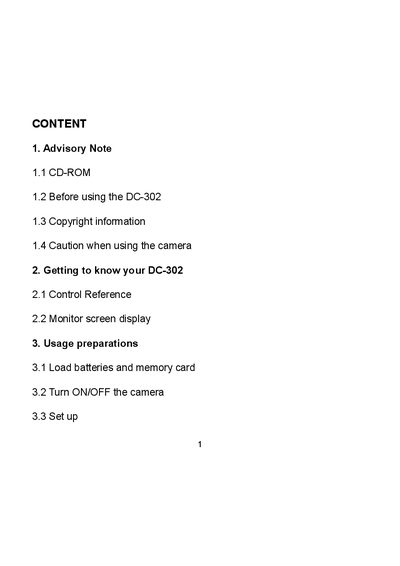
  • Advisory Note
  • Getting to know your DC-302
  • Usage preparations
  • How to install and use the application
  • Specifications
  • Q&A section
  • Addendum
  • Customer care

Frequently asked questions

How many batteries does the DC-302 use and what type?

The camera uses three AAA alkaline batteries.

How do you turn the camera on and off?

Press the ON/OFF button to start; hold it for about two seconds to turn the camera off.

What should you do if water gets inside the camera?

Immediately turn the power off and remove the batteries.

Download PDF (2.6 MB)

More AgfaPhoto Manuals


View all AgfaPhoto manuals →