
This is the instruction manual for Compact 100
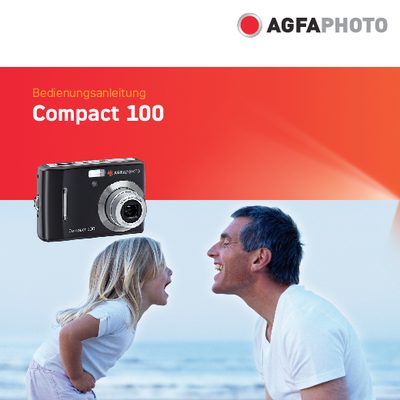
This manual offers step‑by‑step instructions for setting up and using the AgfaPhoto Compact 100 digital camera. It includes safety warnings, battery handling, and basic operation such as powering the camera on and off, inserting memory cards, and navigating the menu system.
The guide also details the camera’s main features—10 MP resolution, optical and digital zoom, LCD display, and internal flash memory—as well as shooting modes, playback functions, connectivity options, and troubleshooting tips. System requirements for connecting the camera to a computer are listed for both Windows and Macintosh platforms. This manual is written in German.
| Resolution | 10 Megapixel |
|---|---|
| Optical Zoom | 3× optical |
| Digital Zoom | 4× digital |
| Image Sensor | 1/2.3‑inch CCD |
| LCD Display | 2.7‑inch color LCD |
| Internal Memory | 32 MB flash |
Switch off the camera before inserting or removing the batteries and use only the supplied batteries.