
This document is the electronic user manual for Philips LCD monitor. It mainly introduces the safety precautions, common problems and troubleshooting of the display.
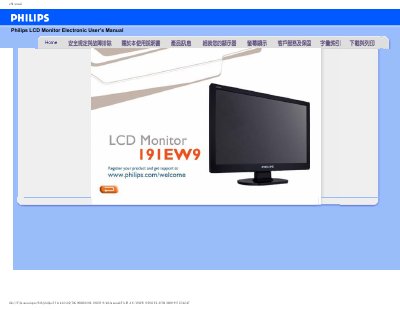
This manual provides safety guidelines, installation steps, and operating instructions for the Philips 191EW9 LCD monitor. It covers handling, power connection, driver installation, and basic configuration such as resolution and refresh rate.
The document also includes a comprehensive FAQ section that answers common issues like video mode errors, screen cleaning, and resetting the monitor to factory defaults. Download links for drivers and printable PDF pages are provided at the end.
| Recommended resolution | 1366 x 768 @ 60 Hz |
|---|---|
| Maximum refresh rate | 60 Hz |
| Operating temperature range | 20‑80 °C |
Open Windows Display Properties and select the desired resolution, such as 1366 × 768 pixels at 60 Hz.
Use a soft, lint‑free cloth; for thorough cleaning use a mild detergent solution, avoiding alcohol or other solvents.
Press the MENU button, then select "Reset" to restore all factory default values.