
Philips wireless multimedia adapter SLM5500 is a device that can wirelessly transmit movies, music and photos from a computer to a TV for playback. It supports WMV, DivX and Xvid video formats, allowing users to watch downloaded movies on TV. It supports MP3, PCM, WAV, WMA-DRM and WMA music formats, allowing users to enjoy music on their computer on the TV. It supports JPEG image compression format, allowing users to view photos on their computer on TV.
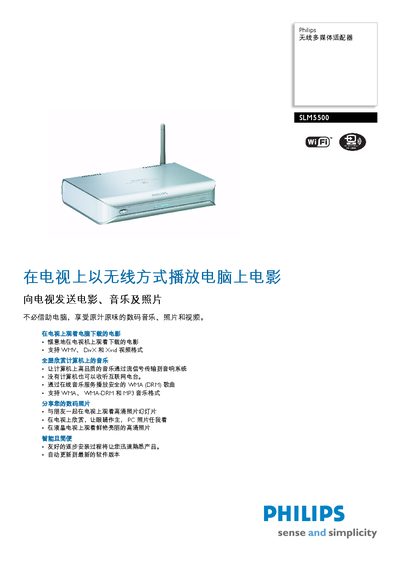
The Philips SLM5500 is a multimedia player that plays video, audio, and photo files directly from a TV or monitor. It supports a wide range of formats such as WMV, DivX, MPEG, XviD, MP3, PCM, WMA‑DRN and more, and offers network connectivity for streaming content.
This manual covers installation steps, automatic firmware updates, detailed specifications, accessory information, and how to connect audio/video outputs and network interfaces. It also lists system requirements and provides basic troubleshooting guidance. This manual is written in Chinese.
| Power Input | 12V DC, 2.5A |
|---|---|
| Main Power Supply | AC 100‑240V 50‑60Hz |
| Standby Power Consumption | 1572 W (standby) |
| Digital Audio Output | Coaxial (cinch) |
It operates from an AC mains supply of 100‑240 V, 50‑60 Hz and uses a 12 V DC, 2.5 A auxiliary input.
The manual states that the SLM5500 can automatically update to the latest firmware version.