
This document is a quick installation guide for Thecus Technology Corporation 1U4600 Evolving 1U NAS Server, which describes the installation steps and network connection methods of the product.
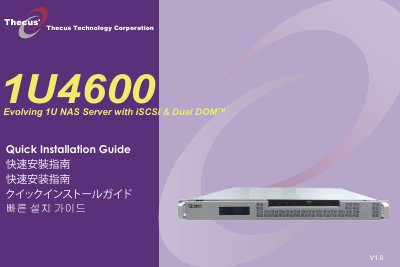
This quick installation guide walks you through the essential steps to get the Thecus 1U4600 NAS server up and running. It covers hard‑disk installation, Ethernet cable connection to the WAN port, power‑cord hookup, and launching the web user interface.
After powering on the unit, the default IP address (192.168.1.100) and default administrator credentials (admin/admin) allow you to access the setup wizard. The wizard discovers devices on the network, lets you name the system, choose a fixed IP or DHCP, change the admin password, and finally start the browser to manage the NAS. This manual is written in Korean.
| Default IP address | 192.168.1.100 |
|---|---|
| Default administrator login | admin / admin |
The default IP address is 192.168.1.100.
Both the username and password are admin.