
This document describes how to connect the Panasonic CF-F8/CF-Y8/CF-W8/CF-T8/CF-R8 series personal computer to the Internet and e-mail.
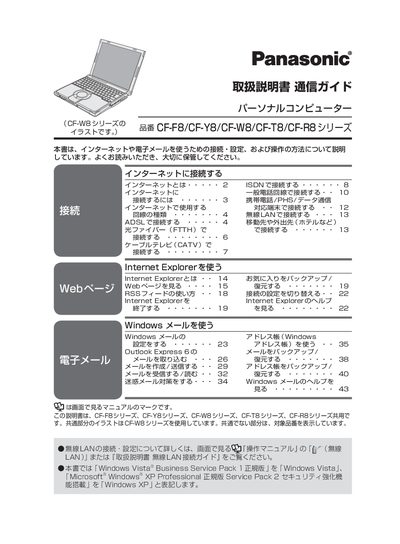
The manual covers the CF-F8, CF-Y8, CF-W8, CF-T8 and CF-R8 series of Panasonic personal computers. It provides common instructions for all models, with illustrations based on the CF-W8 series.
It details various Internet connection methods—including ISDN, ADSL, FTTH (optical fiber), cable TV (CATV) and wireless LAN—along with setup steps for Windows Explorer, Windows Mail, Outlook Express and security recommendations. This manual is written in Japanese.
You can use ISDN, ADSL, FTTH (optical fiber), cable TV (CATV) or wireless LAN, depending on the available service and equipment.
Open the Windows Mail program, then select Help → Show Help to view detailed instructions.
The manual advises using Windows Update and installing antivirus software for protection.