
This is a implementation manual from aiwan company, mainly introduce the setting methods of user, address book, customer and supplier.
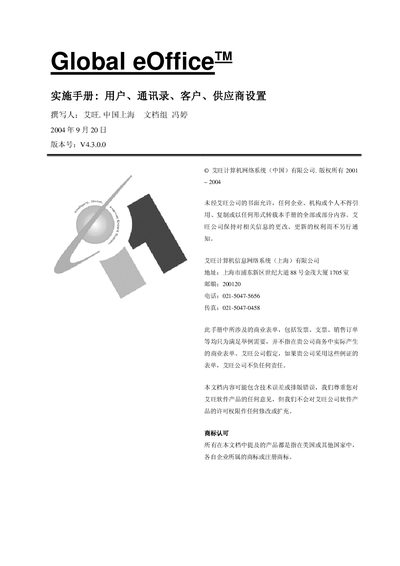
The Global eOffice User Manual provides step‑by‑step instructions for configuring user master data, including login names, passwords, roles and contact information. It also details how to set up customer and supplier address books and master records.
Additional sections cover location permission settings, application program access rights, and trade term configuration, with screenshots and procedural guidance for each task. This manual is written in Chinese.
| Version | V4.3.0.0 |
|---|---|
| Release Date | 2004‑09‑20 |
Switch to the “User Master File” page, click the add button, enter the login name, user name and other required fields, then save.
Select the user or user group and enable the lock option; the locked user will be unable to log into the system.