
This document is about the start-up procedures for the Siemens SiPass driver. It includes steps for configuring the SiPass system, enabling communications, configuring notification zones, and setting up the SiPass driver.
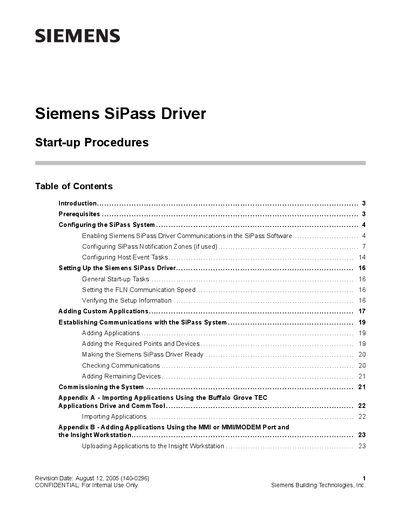
The manual describes the start‑up process for the Siemens SiPass Driver, covering prerequisites, system configuration, and driver setup. It guides users through enabling driver communications in the SiPass software, defining notification zones, and adding custom applications.
Appendices give detailed steps for importing applications via the Buffalo Grove TEC, using the MMI or MMI/MODEM port, and working with CommTool. The document also includes configuration screens and screenshots to aid technicians during installation and commissioning.
| Baud Rate | 19200 |
|---|---|
| Bus Name | User‑defined logical name |
Set the baud rate to 19200, which is the typical value for the driver.
Click the New Unit button, then enter the unit name and other parameters before saving.
Configure SiPass Notification Zones in the SiPass software as described in the Notification Zones section.