
USB Phone is a feature-rich telephone product with functions such as mute, custom ringtone, multi-language display, etc. It can directly dial Skype and Skypeout numbers, and supports redial/callback and volume adjustment. USB Phone is a convenient alternative to mouse operation of Skype software.
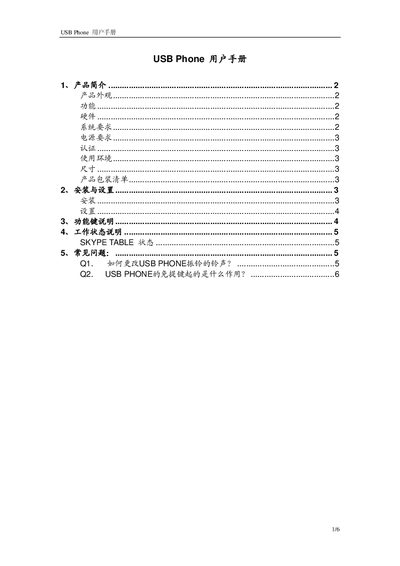
This manual introduces the USB Phone, describing its appearance, key functions, and supported languages. It details the hardware specifications, such as the USB 1.1 interface, built‑in 16‑bit sound card, mono audio controller, and 20 kHz speaker, as well as environmental ratings and certifications.
Installation steps guide the user to connect the device, install drivers from the supplied CD, and configure Skype to use the USB Phone as the audio device. The guide also explains how to customize ringtones, adjust volume, and use the function keys, and includes a FAQ section that answers common questions about ringtone changes and the hands‑free key. This manual is written in Chinese.
| USB Interface | Standard USB 1.1, compatible with USB 1.0 and USB 2.0 |
|---|---|
| Sound Card | Built‑in 16‑bit sound card |
| Audio Controller | Mono audio controller |
| Speaker Bandwidth | 20 kHz |
| Power Consumption | Maximum 1 W |
| Dimensions | 110 mm × 43 mm × 15 mm |
| Operating Temperature | 0 °C to 40 °C (32 °F to 104 °F) |
| Storage Temperature | -30 °C to 65 °C (-22 °F to 149 °F) |
| Humidity | 10 % to 90 % non‑condensing |
| Certifications | FCC Part15B, CE EN55022/EN55024, RoHS |
Right‑click the USB Phone Controller, choose “Select Ringtone Directory”, set a folder containing .wav files, then press the ringtone button on the device to select the desired tone.
The hands‑free key does not enable speakerphone during calls; it is mainly used to increase the ringtone volume or to improve audio output when the device is set as the system’s sound playback device.