
The Philips DVD player lens cleaner SVC2520 safely cleans your DVD player's lens to ensure optimum audio and video quality. The cleaner comes with voice instructions to guide you through the cleaning process.
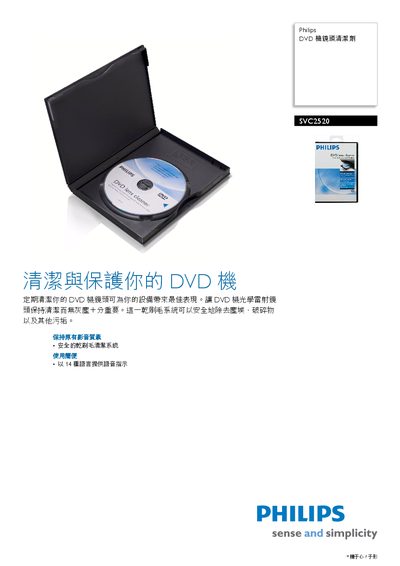
This manual describes the Philips SVC2520 DVD lens cleaning system, which uses a safe dry‑brush mechanism to remove dust, debris and other contaminants from the DVD optical lens, ensuring optimal playback quality. The device also provides voice instructions in multiple languages to guide users through the cleaning process.
The document lists technical specifications such as supported disc formats, dimensions, weights, packaging details, and regulatory information, as well as accessories and voice‑prompt language options. Publication date and version information are also provided. This manual is written in Chinese.
| Supported disc formats | DVD‑RON, DVD/R, DVD/RVW |
|---|---|
| Net weight | 0.12 kg |
| Gross weight | 0.1 kg |
| Width | 140 mm |
| Height | 13 mm |
| Length | 185 mm |
| Voice prompt languages | 14 languages |
| Publication date | 2009-04-28 |
| EAN/UPC/GTIN | 87 10895 95887 5 |
Use the dry‑brush cleaning system, which safely removes dust, debris and other contaminants from the DVD lens.
The system provides voice instructions in 14 different languages.
It supports DVD‑RON, DVD/R, and DVD/RVW formats.