
This file introduces the features and usage of Philips 235P2 monitor.
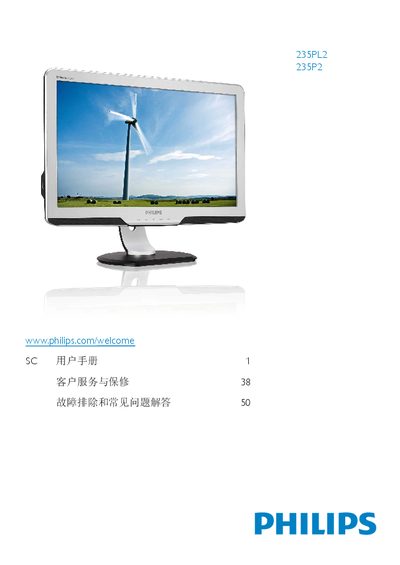
This manual covers everything needed to set up and use the Philips 235P2/235PL2 monitor. It includes a quick‑start guide, detailed installation steps, ergonomic adjustment instructions, and a full description of the On‑Screen Display (OSD) menu functions such as SmartImage, SmartContrast, and PowerSensor.
Additional sections address recycling information, compliance with European directives, ENERGY STAR power‑saving features, and VESA mounting specifications. The document also lists supported connection options (VGA, DVI) and language selections for the OSD interface.
| Typical power consumption | 28.62 W |
|---|---|
| Maximum resolution | 1920 × 1080 @ 60 Hz |
| VESA mounting pattern | 100 mm × 100 mm |
The monitor uses a 100 mm × 100 mm VESA pattern; attach the VESA bracket to the back of the unit.