
This is the user manual of NAV iSlim portable car navigation system. It introduces the operation methods of turning on and off the system, using the car mount, using the car charger, and resetting the system.
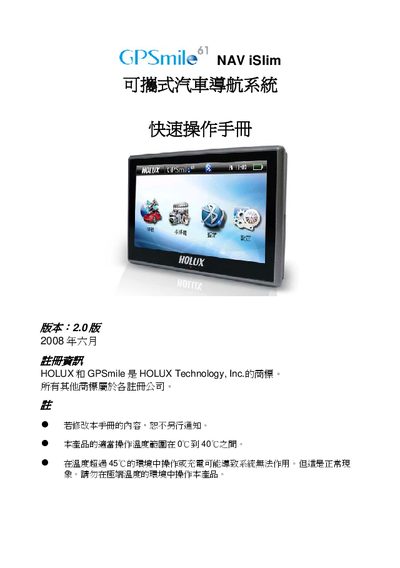
The guide provides basic instructions for first‑time users of the Holux GPSmile navigation device. It covers powering the unit on, mounting it inside a vehicle, connecting the supplied car charger, resetting the system, and using the main functions such as navigation, audio and video playback.
Installation steps describe attaching the supplied vehicle‑mount bracket to the windshield or using fixing clips, while charging instructions advise using the included car charger and avoiding high‑temperature environments. A reset procedure is included for cases where the device becomes unresponsive. This manual is written in Chinese.
| Operating temperature range | 0 °C to 40 °C |
|---|---|
| Maximum recommended temperature | 45 °C (not recommended) |
Press and hold the power button for about 0.5 seconds to turn the device on.
Attach the supplied vehicle‑mount bracket to the windshield or use the fixing clips as shown in the manual.
Connect the device to the included car charger via the power port and avoid charging in high‑temperature environments.
Remove the battery cover, take out the battery pack, re‑insert it, and close the cover to reset the system.