
This file introduces the usage of the Holux wireless GPS receiver.
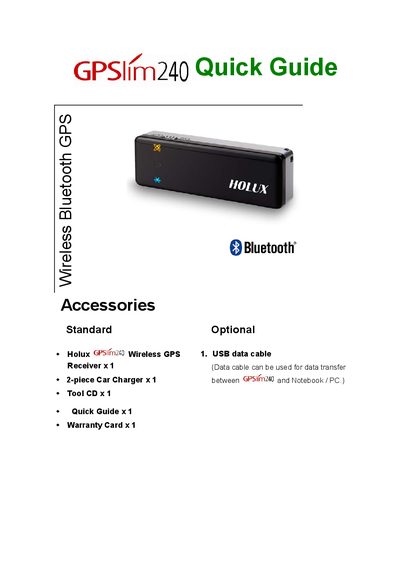
The guide lists the accessories included with the GPSlim240 and explains two ways to charge the device: using the car charger that plugs into the cigarette lighter or a USB adaptor connected to a PC. After charging, slide the power switch to the ON position to start the receiver.
It then describes how to establish a Bluetooth link with a PDA, including waiting for the Bluetooth light to flash, selecting the device in the Bluetooth manager, and using the default passkey 0000. The guide also points to the supplied CD for installing the GPS Viewer software and provides safety warnings about sunlight exposure and operating the device while driving.
| Passkey | 0000 |
|---|
You can charge it with the included car charger that plugs into the vehicle’s cigarette lighter via the mini‑USB connector, or with the USB adaptor connected to a PC.
Power on the device, wait about five seconds for the Bluetooth light to flash, then use the PDA’s Bluetooth manager to search for and select the GPSlim240, entering the default passkey 0000 if prompted.
The default Bluetooth passkey is 0000.
No, operating the system while driving a car is prohibited.