
This document provides instructions for using the M-1000B Bluetooth GPS receiver, including steps for battery installation, charging, powering on, and Bluetooth connection.
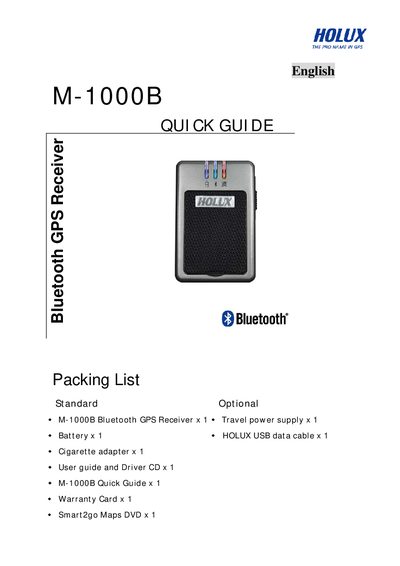
This quick guide covers the essential steps to get the Holux M-1000B Bluetooth GPS receiver up and running. It includes the packing list, battery installation, power‑on procedure, Bluetooth connection setup, and how to use the Mini GPS Viewer software.
Key instructions explain how to install the rechargeable lithium‑ion battery, connect the mini‑USB power cable, pair the device with a PDA via SPP slave mode, and view positioning data using the supplied Mini GPS Viewer program at a baud rate of 38400.
| Battery type | Rechargeable lithium‑ion |
|---|---|
| Power connector | Mini‑USB socket |
| Bluetooth mode | SPP slave |
| Mini GPS Viewer baud rate | 38400 |
| Bluetooth passkey | 0000 |
Use the supplied rechargeable lithium‑ion battery and install it as shown in the diagram, then replace the casing.
Enable the Bluetooth manager, search for devices, select HOLUX_M-1000B, choose SPP slave, and wait until the Bluetooth light flashes after about 6 seconds.
Install the Mini GPS Viewer program from the supplied CD, set the baud rate to 38400, scan for the correct COM port, and select GPS Status to start viewing.