
This manual introduces the features and characteristics of the WV-CL920A (WV-CL924A) series digital color cameras, including built-in functions, signal-to-noise ratio, minimum illumination, lenses, etc.
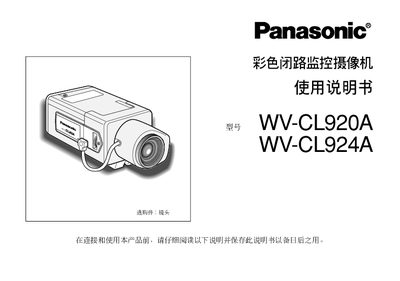
This Panasonic user manual covers the WV-CL920A and WV-CL924A digital color CCTV cameras. It describes image features, operating controls and their functions, connection methods, focus and back-focus adjustment, camera installation, and camera setup through the on-screen user menu.
The document also lists operating precautions, environmental limits, power requirements, technical specifications, optional lenses, and standard accessories. This manual is written in Chinese.
| Image sensor | 1/2-inch interline transfer CCD with 762 horizontal pixels |
|---|---|
| Signal-to-noise ratio | 50 dB |
| Minimum illumination, color mode | 0.14 lx at F1.4 |
| Horizontal resolution, black-and-white mode | 570 lines |
| Horizontal resolution, color mode | 480 lines |
| Operating temperature | -10 °C to +50 °C |
| Operating humidity | Less than 90 % |
| WV-CL920A power input | AC 220 V–240 V, 50 Hz |
| WV-CL924A power input | DC 12 V / AC 24 V |
They use a 1/2-inch interline transfer CCD image sensor with 762 horizontal pixels.
The minimum illumination is 0.14 lx at F1.4 in color mode and 0.01 lx at F1.4 in black-and-white mode.
The WV-CL920A uses AC 220 V–240 V at 50 Hz, while the WV-CL924A accepts DC 12 V or AC 24 V.
The camera is set up through the user menu displayed on screen, using the SET button and the up, down, left, and right buttons.