
Sharp Print System is a digital multifunction printer printing management system from Sharp. It supports multiple digital multifunction printers and realizes cross-departmental and cross-regional file printing, while supporting security authentication and printing task management.
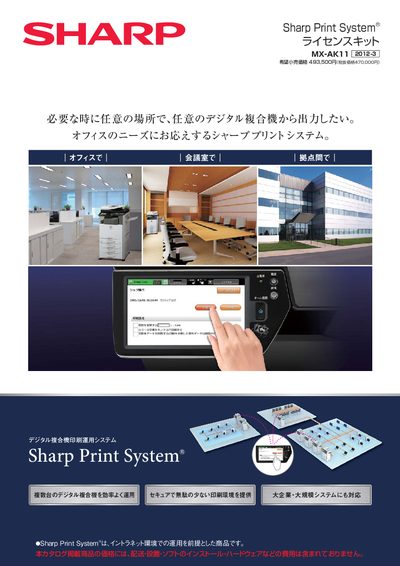
Sharp Print System is a software solution for managing multiple digital multifunction printers in an office environment. It enables users to send print jobs to any registered printer without changing settings, supports secure authentication, and provides job‑history logging and analysis.
The document lists the supported operating systems, minimum server hardware specifications, maximum numbers of printers and servers that can be managed, and required licensing or communication kits. It also includes contact information for sales and support. This manual is written in Japanese.
| Supported Server OS | Red Hat Enterprise Linux (64‑bit) |
|---|---|
| Supported Client OS | Windows XP Professional SP3 (32‑bit), Windows Vista, Windows 7, Windows 10 |
| CPU Requirement | Intel Xeon 2 GHz or higher, dual‑core or more |
| Memory Requirement | 3.5 GB or more |
| Network Interface | At least one 100 Mbps Ethernet port |
No, Sharp Print System is a software product; the required server hardware must be provided separately.