
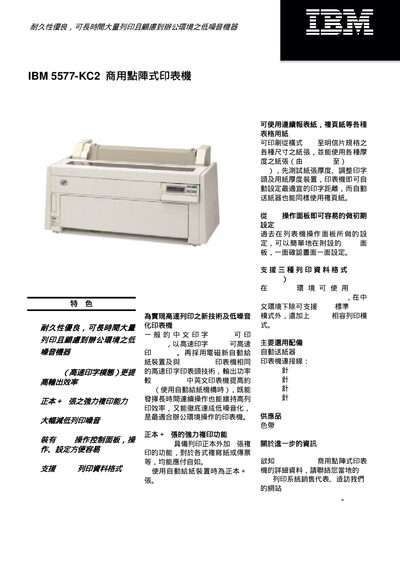
The IBM 5577-KC2 is a durable, low‑noise commercial dot matrix printer designed for high‑volume office use. It offers a high‑speed printing mode of 260 characters per second, a strong copy function of the original plus five copies, and an LCD control panel for easy setup.
The printer supports a wide range of paper types and sizes, from continuous forms up to 16 inches wide to A3 landscape and postcard formats, handling paper weights from 47 g/m² to 157 g/m². It includes multiple data‑stream formats, such as ESC/P, and comes with standard accessories like a power cord and ink ribbon. This manual is written in Chinese.
| Print method | 24‑pin wire dot matrix |
|---|---|
| Print speed | Chinese 130/260 cps, English 195/390 cps |
| Maximum paper width | Continuous 16 in (406.4 mm), single‑sheet up to 16.5 in (A3 landscape) |
| Power consumption | 115 W (maximum) |
| Dimensions / weight | 642 × 280 × 271 mm, 24 kg |
In standard Chinese mode it prints 130 characters per second, and in high‑speed mode 260 cps; English alphanumeric prints at 195/390 cps.
The printer can produce the original plus five copies, or plus four copies when using the automatic paper‑feed device.
It can print on paper ranging from A3 landscape to postcard size, handle continuous forms up to 16 inches wide, and accept paper weights from 47 g/m² to 157 g/m².