
This document is the getting started guide for HP LaserJet P1500n Series.
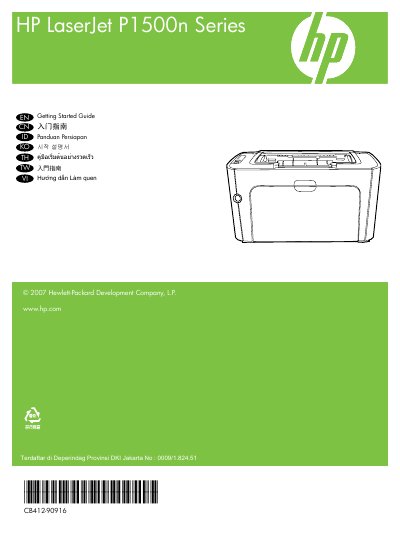
The Getting Started Guide walks you through preparing a sturdy, well‑ventilated, dust‑free area for the printer, removing shipping materials, and powering the device on. It also covers connecting the printer to a network (N model only) and verifying the network light.
Further sections explain how to obtain the printer’s IP address, install the accompanying software, and locate the electronic user guide on the supplied CD‑ROM or HP program folder.
| Part number | CB412-90916 |
|---|---|
| Edition | 1, 11/2007 |
| FCC compliance | Class B digital device |
Press the power button to turn the printer on.
Connect a network cable to the network port and verify that a 10 or 100 Mbps network light is illuminated.
Press the Go button to print a Configuration Page, which displays the IP address.
On the CD‑ROM that came with the printer or in the HP program folder on your computer.