
HP Compaq 6535s Notebook PC is a business notebook computer launched by HP, equipped with AMD processors, 14.1-inch display, and supports Windows Vista® Business operating system.
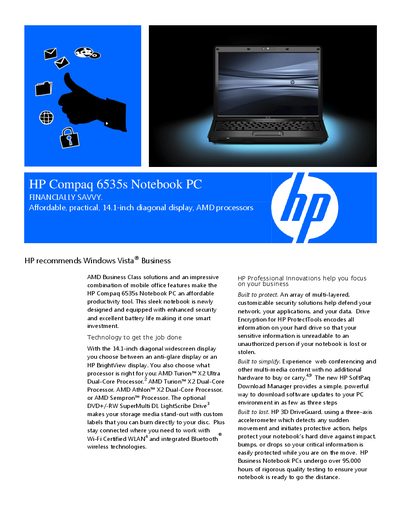
This manual describes the HP Compaq 6535s Notebook PC, a 14.1‑inch WXGA notebook offering a choice of AMD processors, optional anti‑glare or BrightView displays, and integrated security features such as Drive Encryption for HP ProtectTools. It also covers battery life, HP 3D DriveGuard protection, and optional accessories like an adjustable notebook stand.
Technical details include supported operating systems, memory configurations, storage options, ports, wireless connectivity, and warranty options. The document also contains legal notices, safety information, and contact details for HP support.
| Display | 14.1‑inch diagonal WXGA (1280 × 800) |
|---|---|
| Processor (max) | AMD Turion X2 Ultra Dual‑Core Mobile up to 2.4 GHz |
| Internal Storage | 120/160/250 GB 5400 rpm SATA HDD |
| Battery | 6‑cell (47 Wh) Lithium‑Ion, Fast Charge up to 90 % in 90 min |
| Weight | Starting at 5 lb (2.27 kg) |
| Dimensions | 1.21 × 13.3 × 9.7 in (30.7 × 338.0 × 246.4 mm) |
It uses a 6‑cell (47 Wh) Lithium‑Ion battery, and HP Fast Charge can recharge the primary battery up to 90 % within 90 minutes.
Security features include Drive Encryption for HP ProtectTools, HP ProtectTools suite, and optional Kensington Lock.