
Describes the features and characteristics of the HP Photosmart Premium e-All-in-One C310 series, such as how to set up a wireless connection and install ink cartridges.
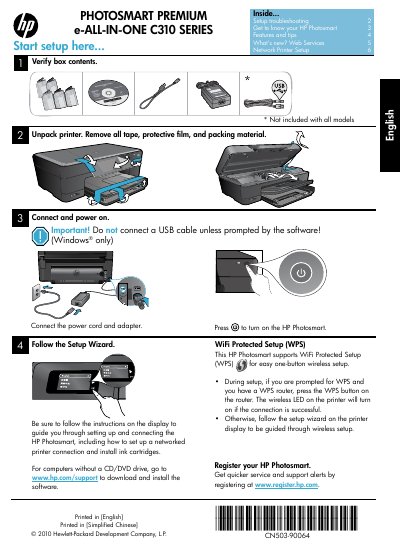
This manual walks you through unpacking, installing ink cartridges, and completing the initial setup of the HP Photosmart Premium e‑All‑in‑One C310. It includes step‑by‑step instructions for both USB and wireless (Wi‑Fi Protected Setup) connections, as well as guidance on registering the printer and using built‑in web services.
Additional sections cover common troubleshooting, network configuration, and the limited warranty terms. The guide also provides quick reference tips for copying, scanning, and printing directly from memory cards or mobile devices.
| Power adapter part number | 0957-2271 (Brazil - 0957-2289) |
|---|---|
| Input voltage | 100 to 240 Vac |
| Input frequency | 50‑60 Hz |
| Power consumption | 85 W max, 50 W average |
| Wi‑Fi Protected Setup (WPS) | Supported |
Press the WPS button on your router, then press the Wireless button on the printer; the wireless LED will turn on when the connection succeeds.