
Philips DVD player with HDMI and USB HDMI 1080p DivX Ultra DVP5986K is a high-definition DVD player with HDMI digital video and audio connection that lets you enjoy high-definition video (720p / 1080i/1080p) at home. This player also features progressive scan color video, 5.1-channel audio output and DTS Digital Surround for an immersive audio-visual experience.
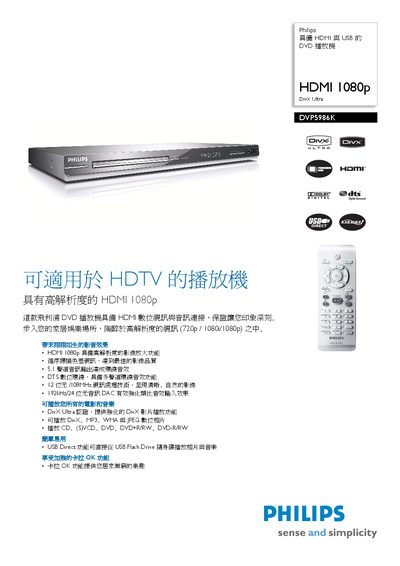
The Philips DVP5986K is a DVD player designed for high-definition home entertainment. It supports HDMI 1080p output with progressive scan technology to ensure high-resolution video quality. The device is certified for DivX Ultra, allowing playback of various video and audio formats including DivX, MP3, WMA, and JPEG images directly from USB drives or discs. It also features 5.1 channel audio output with Dolby Digital and DTS support, as well as a Karaoke function with microphone input. This manual is written in Chinese.
| Audio Output | 5.1 channel |
|---|---|
| Video DAC | 12-bit / 108MHz |
| Audio DAC | 192kHz/24-bit |
| Frequency Response | 30-20000 Hz |
| Power Supply | 110-240V, 50/60 Hz |
| Dimensions | 435 x 38 x 210 mm |
Yes, it is DivX Ultra certified and supports DivX 3.11, 4.x, 5.x, 6.0, and Ultra formats.
The player supports MP3, WMA, and Dolby Digital audio formats.
Yes, it includes a Karaoke function with microphone input for enhanced singing experience.