
This document is a quick start guide for the Philips GoGear audio and video player, providing an overview of the controls and connections, main menu, main touchscreen functions, and instructions on how to connect the device to a computer.
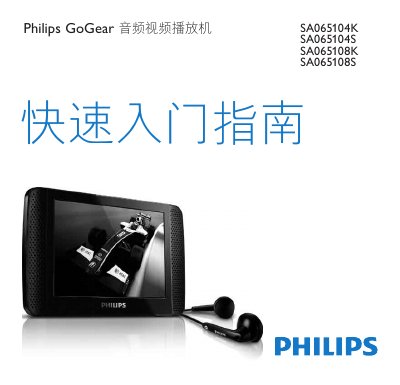
This manual covers everything you need to get started with the Philips GoGear SA065 audio/video player, including product registration, a list of items in the box, and an overview of the controls and connections. Detailed descriptions of the main menu, touch‑screen functions, and how to connect the device to a computer for software installation are provided.
Additional sections explain how to play music, video, view pictures, access CMMB TV and radio channels, record CMMB audio, listen to FM radio, adjust settings, and manually verify or update the firmware. The guide also includes disposal instructions for the device and its built‑in rechargeable battery. This manual is written in Chinese.