
This is the Philips GoGear MP3 player quick start guide, which mainly introduces the product functions and usage methods.
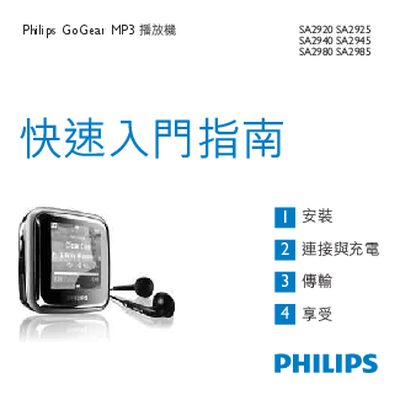
This manual guides you through the quick‑start steps, installation of the Philips Device Manager, connecting the player to a computer via the mini‑USB cable, and using the on‑device controls for playback, radio, and audio modes. It also explains how to transfer music, update firmware, and access the main menu functions.
The booklet lists the box contents, outlines the required PC specifications for software installation, and provides environmental disposal information for the built‑in battery and packaging in accordance with European WEEE directives.
| USB connector | Mini USB |
|---|
Connect the mini‑USB cable to the player, then follow the on‑screen prompts to install Philips Device Manager on your computer.
Connect the player to a PC with internet access; the device will automatically check for and download any available firmware updates from Philips' support website.