
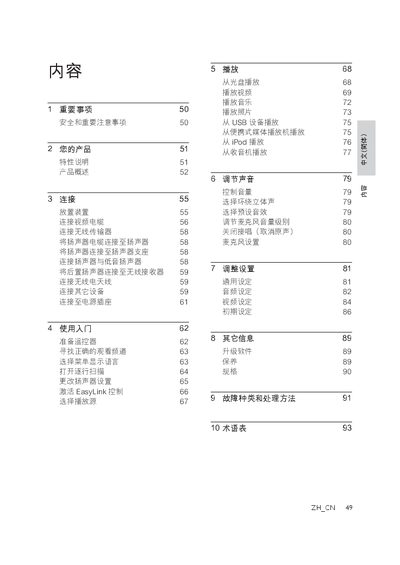
This manual provides safety guidelines, product overview, and step‑by‑step instructions for connecting and operating the Philips DVD home‑theater system. It covers video and audio connections, remote‑control setup, language selection, and basic playback functions.
Additional sections describe sound adjustments, video settings, software updates, maintenance, specifications, troubleshooting tips, and a glossary of terms to help users get the most out of their DVD player. This manual is written in Chinese.
| Maximum video resolution | 1080p |
|---|---|
| Audio channels | 5.1 non‑compressed surround sound |
Use the HDMI connector for the best picture, or connect via component video, S‑Video, or CVBS cables as described in the manual.
The player can output video up to 1080p resolution.
It supports 5.1‑channel non‑compressed surround sound.