
This manual describes the basic operations of the camera and shooting techniques.
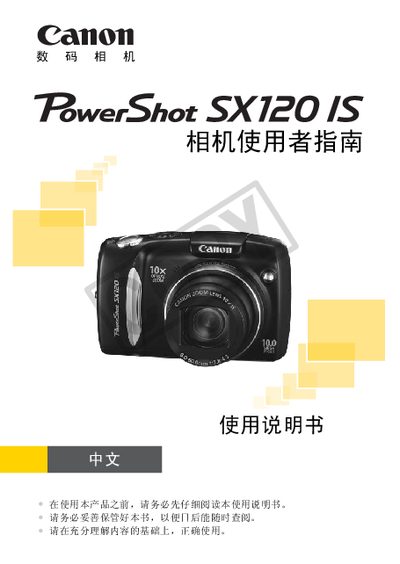
This manual provides step‑by‑step instructions for using the Canon Solution Disk digital camera. It covers basic operations such as inserting the battery and memory card, setting the date and time, shooting still images and video, and reviewing or deleting files. Safety warnings and warranty information are also included to help users avoid injury and protect the camera.
The guide details advanced features like scene modes, autofocus options, flash control, image editing, and connectivity options such as USB, HDMI, and PictBridge printing. A full specifications table lists sensor resolution, video format, power requirements, dimensions, and environmental limits. This manual is written in Chinese.
| Maximum still image resolution | 3648 × 2736 pixels |
|---|---|
| Video recording format | AVI (Motion JPEG video, WAVE mono audio) |
| LCD display capacity | ≈130 images (CIPA standard) |
| Power source | 2 × AA (alkaline) batteries or 2 × AA Ni‑MH (NB‑3AH) batteries |
| Operating temperature | 0 °C – 40 °C |
| Dimensions (W × H × D) | 110.6 mm × 70.4 mm × 44.7 mm |
| Weight (body only) | ≈245 g |
The camera is powered by two AA (5号) alkaline batteries, and it also supports two AA Ni‑MH (NB‑3AH) rechargeable batteries.
The LCD can display approximately 130 images based on the CIPA measurement method.
Video is recorded in AVI format using Motion JPEG for video data and mono WAVE for audio.
Yes, the camera supports HDMI (mini‑HDMI) and composite video output for TV playback.