
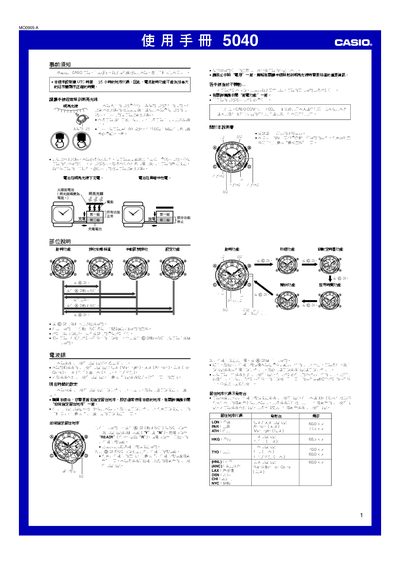
This manual explains operation of the Casio 5040 watch. It covers receiving time calibration radio signals, setting the home city, daylight saving time, and manual time and date setting.
It also describes automatic and manual reception procedures, reception ranges and conditions, and checking the result of the last reception. This manual is written in Chinese.
| Hong Kong time calibration signal | 685 kHz |
|---|---|
| Automatic receptions per day | Up to 6 (5 in China) |
| Manual reception time | 1 to 14 minutes |
Place the watch flat with the 12 o'clock side facing a window, then in Timekeeping Mode hold the button for about 10 seconds until READY appears.
YES means reception succeeded and the time is updated; NO means reception failed and the time is unchanged.
Up to six times per day, or five times in China.
It indicates power-saving mode, which stops the hands to save power.