
This book introduces how to use this product for simple printing and how to solve problems encountered.
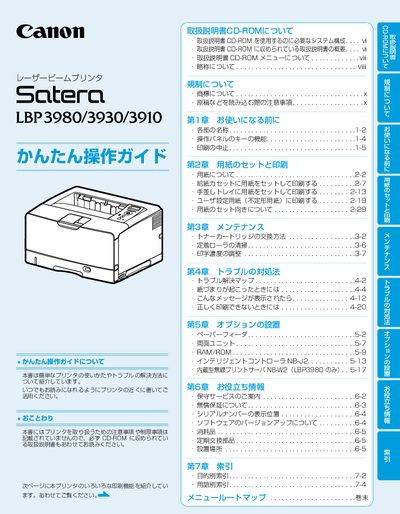
This guide introduces the basic operation of the Canon LBP3980/3930/3910 laser printers, covering paper loading, printing options such as multiple‑page per sheet, duplex printing, scaling, and poster printing. It also points users to the CD‑HOM manuals for driver installation and advanced settings.
Maintenance procedures, including toner cartridge replacement, roller cleaning, and print density adjustment, are described, along with troubleshooting steps for paper jams and error messages. Optional accessories like the paper feeder and intelligent controller are explained, and warranty and service information are provided. This manual is written in Japanese.
| Minimum Display Resolution | 1024 × 768 pixels (recommended) |
|---|
You can print multiple pages on one sheet by selecting the appropriate option in the printer settings.