
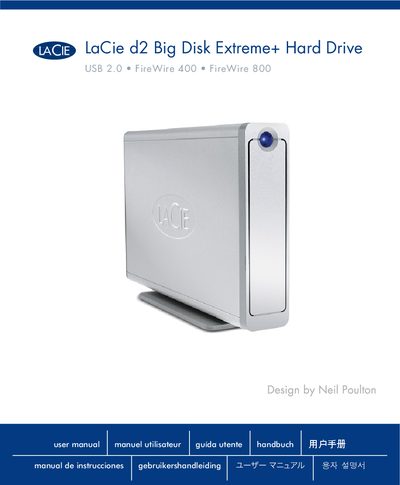
This manual covers the LaCie d2 Big Disk Extreme+ external hard drive, describing its features, safety information, and how to install and operate the device. It includes details on power requirements, environmental limits, and supported operating systems.
The guide is organized into sections on physical connections (USB 2.0, FireWire 400/800), the shortcut button, system compatibility (Windows 2000, XP, Vista, Mac OS 10.2.8), and technical specifications such as capacity, voltage, and data transfer rates.
| Operating Temperature | 5 °C to 35 °C (41 °F to 95 °F) |
|---|---|
| Capacity | 1 TB = 1,000,000,000,000 bytes |
| Data Transfer Rate | up to 480 Mb/s |
| Interfaces | USB 2.0, FireWire 400, FireWire 800 |
It supports USB 2.0, FireWire 400, and FireWire 800 connections.
The drive works with Windows 2000, Windows XP, Windows Vista, and Mac OS 10.2.8.
The device operates between 5 °C and 35 °C (41 °F to 95 °F).