
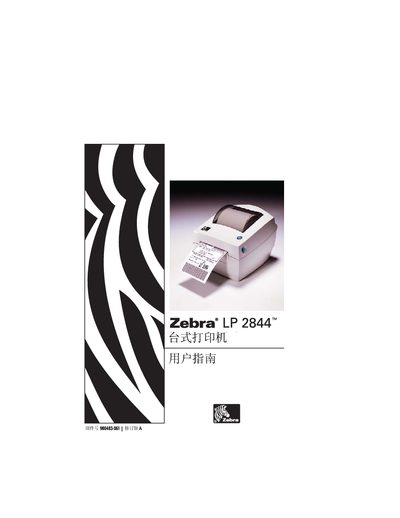
This manual covers safety notices, warranty information, and the contents of the printer package. It explains the proper handling of consumables, media loading, and the precautions needed when operating the printer in various environments.
The guide details the printer’s interfaces (USB and RS‑232), basic operation steps, media replacement procedures, and troubleshooting tips. It also includes wiring and communication information for connecting the printer to a host computer. This manual is written in Japanese.
| Interface | USB |
|---|---|
| Interface | RS‑232 |
Follow the replacement steps shown in the manual, ensuring you do not touch internal components while changing the media.
No, the printer should not be used in humid conditions as it may cause damage or safety hazards.