
This is a user manual for the Lexmark E220 printer. It mainly introduces the printer's overview, printing, paper handling, operation panel indicators, printer configuration menu, maintenance and troubleshooting, etc.
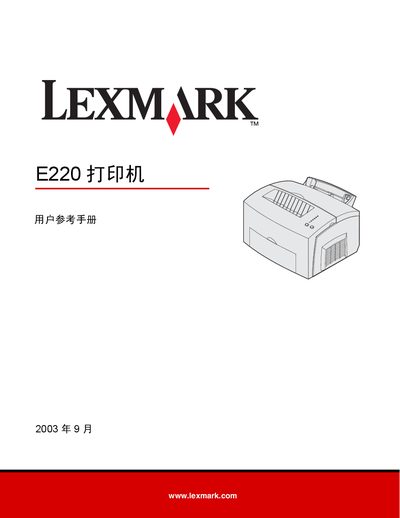
This reference manual covers all aspects of operating the Lexmark E220 laser printer, including safety precautions, electronic radiation compliance, noise levels, and Energy Star certification. It also explains the printer’s hardware features such as the main paper tray, optional 250‑page tray, and supported media types.
The guide walks users through printing from Windows and Macintosh, configuring the printer via the control panel, and performing routine maintenance like replacing the toner cartridge and cleaning the drum. A detailed troubleshooting section helps resolve common print quality and paper‑feed issues. This manual is written in Chinese.
| Main paper tray capacity | 150 sheets of paper or 10 sheets of other media |
|---|---|
| Optional paper tray capacity | 250 sheets |
| Printing noise level | 49 dBA (printing), 35 dBA (idle) |
The main paper tray can hold up to 150 sheets of paper or 10 sheets of other media.
The printer produces a noise level of 49 dBA while printing.
Remove the old toner cartridge and install a new one as described in the maintenance section.