
This document is the user manual for the SPM4700 wired mouse, which provides information on the mouse's warnings and health precautions, as well as instructions for installing the driver software.
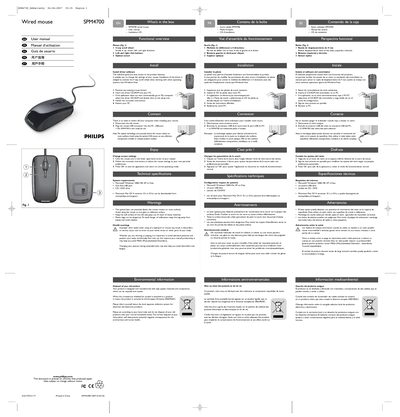
This manual explains what is included in the box, how to install the driver software from the CD, and how to connect the mouse to a PC. It also covers how to adjust mouse settings through the on‑screen utility and provides health and safety warnings for proper use.
Technical specifications are listed, including the 4‑way scroll wheel, left/right click buttons, and optical sensor. System requirements for Windows and Mac OS X are given, along with environmental disposal instructions and FCC compliance information.
| Scroll wheel directions | 4‑way |
|---|---|
| Buttons | Left and right click buttons |
| Sensor type | Optical sensor |
| Supported Windows OS | Windows 2000, ME, XP, Vista |
| Supported Mac OS X | 10.1.x‑10.4.x |
| Required ports | One free USB port |
| Required media drive | CD / DVD drive |
The mouse works with Microsoft Windows 2000, ME, XP or Vista, requires one free USB port and a CD/DVD drive, and Mac OS X 10.1.x‑10.4.x drivers are available for download.
The scroll wheel can scroll up, down, left, and right – a total of four directions.