
This manual is a quick start guide for P41TN001813 1A LCD TV, introduces installation, remote control operation, antenna TV, basic cable TV connection
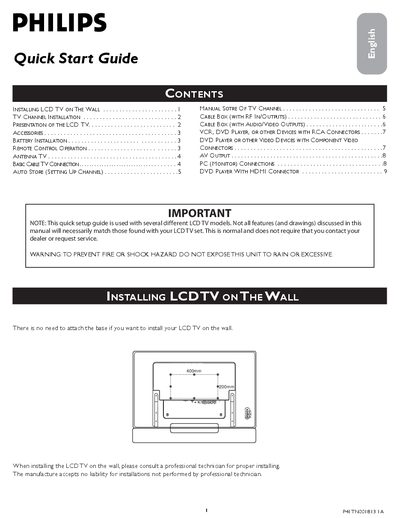
The guide explains safety precautions and basic installation steps for Philips LCD TVs, including wall‑mounting dimensions (400 mm × 200 mm) and a warning not to expose the unit to rain or excessive moisture. It also covers how to run the automatic channel‑search (Auto Store) and manual channel‑store functions after unpacking the TV.
Detailed connection instructions are provided for antenna, cable‑box, VCR/DVD players, component video, HDMI, and PC use. Battery installation for the remote (two AA cells) and remote‑control button functions are described, along with tips for using Smart Picture, Virtual Surround, and other picture‑mode settings. This manual is written in Chinese.
| Battery type for remote | AA |
|---|---|
| Wall‑mount dimensions | 400 mm × 200 mm |
| Supported HDMI resolutions | 1920x1080i, 1280x720p, 720x480i, 720x480p, 720x576i, 720x576p |
Use a VGA cable to connect the computer’s VGA OUT to the TV’s VGA IN, and a mini‑jack audio cable for sound; then select the PC input with the remote.