
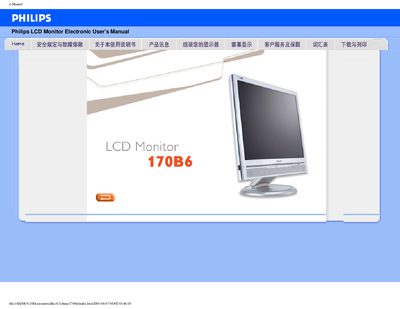
This manual provides safety guidelines, troubleshooting tips, and detailed installation instructions for the Philips 170P6 LCD monitor. It also explains how to adjust screen settings, use the LightFrame™ DR feature, and connect peripherals via the built‑in USB hub.
The document includes full technical specifications, warranty information, and contact details for Philips service centers worldwide. Users can download or print the entire manual for offline reference. This manual is written in Chinese.
| Display size | 17" (43.2 cm) |
|---|---|
| Resolution | 1280 x 1024 (SXGA) |
| Contrast ratio | 500:1 (typical) |
| Brightness | 250 cd/m² (typical) |
| Response time | < 8 ms (typical) |
| Vertical refresh rate | 56‑76 Hz |
| USB ports | 4 high‑speed USB 2.0 ports |
| Built‑in speakers | 4 W stereo (2 W per channel) |
The monitor should be used in an ambient temperature range of 5‑40 °C.
It includes four high‑speed USB 2.0 ports for connecting peripherals.
No. Use a dry cloth only; organic solvents such as alcohol must not be used.