
This manual explains how to use the CASIO digital camera.
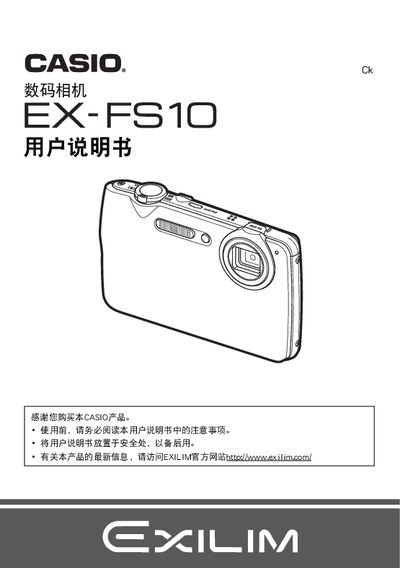
This user manual documents the Casio EX-FS10 digital camera. It covers the supplied accessories, basic setup, battery charging, memory card use, and camera menus.
The manual also explains still-image and movie shooting, BEST SHOT modes, camera settings, photo and movie playback, printing, connection with Windows and Macintosh computers, Eye-Fi SD card use, accessories, specifications, and troubleshooting. This manual is written in Chinese.
| Battery rated voltage | 3.7 V |
|---|---|
| Battery rated capacity | 720 mAh |
| Battery operating temperature | 0 to 40 °C |
| Battery dimensions | 37.9 (W) × 42.3 (H) × 5.0 (D) mm |
| Battery weight | Approx. 18 g |
| Charger model | BC-60L |
| Charger input | 100 to 240 V AC, 80 mA, 50/60 Hz |
| Charger output | 4.2 V DC, 600 mA |
| Charging time | 90 minutes |
The BC-60L accepts 100 to 240 V AC at 80 mA, 50/60 Hz, and outputs 4.2 V DC at 600 mA.
Charging time is 90 minutes.
Yes. The manual covers connecting the camera to Windows and Macintosh computers for viewing, saving, and managing images.