
This document is for the Schneider Electric Altivar 312 variable frequency drive CANopen communication manual, which mainly introduces the hardware setup, signaling, software setup, etc. of the variable frequency drive CANopen communication.
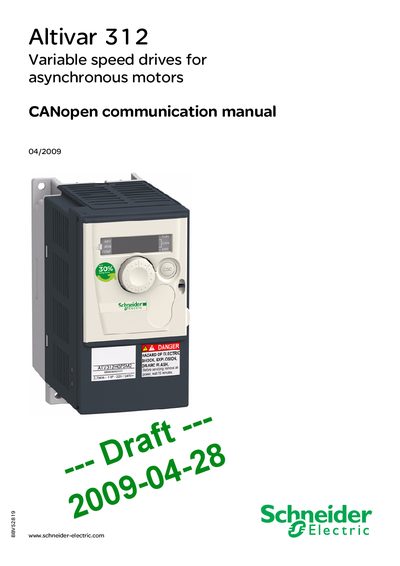
The CANopen Communication Manual describes how to install, wire, and configure the Altivar 312 drive for CANopen networks. It includes safety warnings, hardware setup instructions, and the full object dictionary for communication parameters.
Key sections cover hardware wiring with RJ45 drop cords, termination settings, and the definition of CANopen objects such as device name, node ID, and PDO mappings. The document also references related installation and programming manuals for complete drive configuration.
| Node‑ID | Configured by user for Altivar 312 |
|---|---|
| Drop cord connectors | 2 RJ45 connectors |
| Safety wait time before servicing | 15 minutes |
Disconnect all power, place a “DO NOT TURN ON” label, lock the disconnects, wait 15 minutes for the DC bus capacitors to discharge, and verify the bus voltage is below 42 V before proceeding.
The drop cord is equipped with two RJ45 connectors.
Device type: Bits 16‑23 = Device type mode (1); Bits 00‑15 = Device profile number (402).